TRAVEL BOOKING API
Build your own customer experience around the Travelgenix booking platform. Use the API alongside our widgets or as a standalone integration. Request the current documentation, then agree the suppliers and operations your project needs.
Trusted by 300+
travel businesses
IN SHORT
What is a travel booking API?
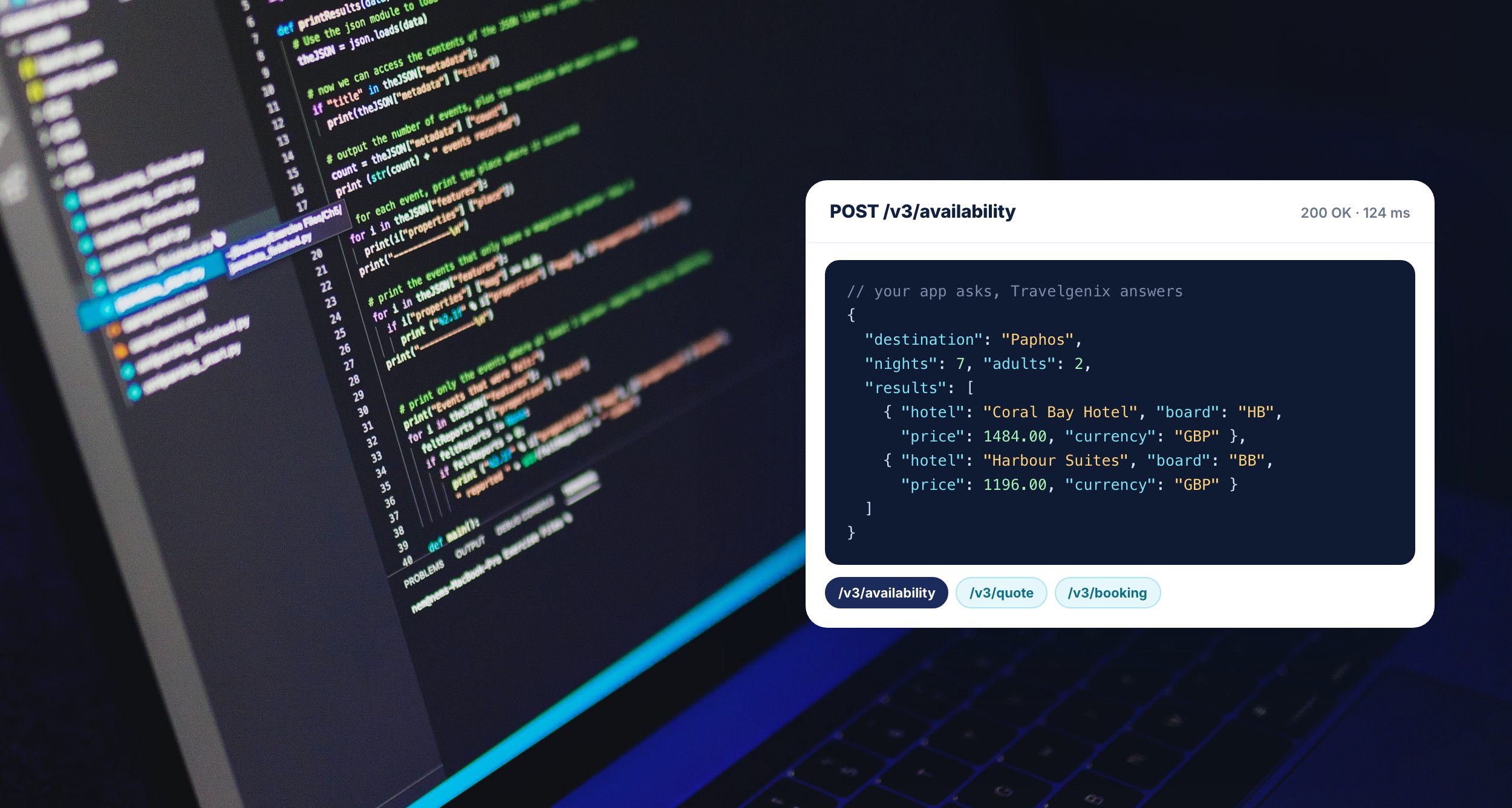
A travel booking API gives your developers a way to connect a customer interface to a booking platform. Travelgenix’s API can be used with its widgets or as a standalone integration.
Start with the business requirements and the current API documentation. Confirm the products, account access and supported operations for your implementation before estimating the build.
WHAT YOU GET
What to scope before you build
Use the published plan comparison and current documentation to agree the work your integration needs.
Your front end
Use the booking API alongside Travelgenix widgets or as a standalone integration, as described in the University API guide.
Supplier access
Name the suppliers and product types you want to sell. Confirm the credentials, commercial access and operations for your setup.
Travelify operations
The published API Access plan includes the Travelify mid office. Agree where your team will manage the booking record and operational tasks.
Payment and confirmation
Agree the payment provider and the order-confirmation flow. Include failures and uncertain outcomes in your acceptance checks.
Your own contracted product
Review Luna Contracting separately when you need to distribute directly contracted inventory. Its public reference describes that API’s scope.
Changes and notifications
Check supported amendment and cancellation operations with the team. Use the documented platform webhook events for the relevant integration.
HOW IT WORKS
From requirements to launch
1
Agree the brief
Bring the suppliers, products and customer journey you need. Ask for the current booking API documentation and a scoped implementation plan.
2
Build and check the flow
Agree test access and acceptance scenarios with the implementation team. Follow the booking from the customer interface to the working record.
3
Prepare the handover
Confirm launch checks, failure handling and operational ownership. Record who supports each part of the connection after launch.
Choose the API route that fits the job
Start with the experience you need to build and the work your team can support. The Travelgenix booking API can run alongside our widgets or as a standalone integration. Request the current documentation before estimating endpoints, development effort or delivery dates. The University API guide explains how to request access.
If the existing booking journey meets your needs, review the booking widgets first. They connect search, results, extras and basket/payment pages. If you need a custom interface or app, use the API brief below to agree who owns each part of the work. This makes the implementation easier to price and hand over.
Booking API and Luna Contracting API
Luna Contracting has a separate purpose: distributing a client’s directly contracted product. Its public API reference describes product, price and availability access, followed by a quote, hold and confirm booking flow. Do not treat that reference as documentation for every Travelgenix supplier connection.
The Contracting API’s test keys are read-only. They can search and price but cannot create a booking. Agree an authorised booking-test procedure with the implementation team; a successful search alone does not demonstrate the complete booking flow. This distinction prevents a test-access assumption becoming a launch delay.
Write a useful implementation brief
Name one person on your side who can approve the customer journey and one technical contact who can resolve integration questions. Keep the following decisions in a shared record so commercial, development and operations teams are working from the same brief.
Products and supply: list the product types, named suppliers, selling markets and account arrangements you need. Confirm access before building around a particular offer.
Customer journey: identify where search, comparison, traveller details, payment and confirmation take place. Include the information the customer must check at each handover.
Working records: agree which system holds the supplier reference, payment reference and operational status. Staff need a reliable place to resolve a query after the customer leaves the website.
Supported actions: ask which retrieval, amendment and cancellation operations are supported for each connection. Record any manual step and its owner so the team can still service the booking.
Support: agree the contact route, evidence required and escalation arrangements. An error message is more useful when the receiving team can trace the original attempt.
Our pricing page explains that you arrange the relevant supplier accounts and credentials and Travelgenix connects them. The supplier setup walkthrough shows adding credentials and testing them in Travelify. Follow that connection check with agreed booking and servicing scenarios.
Check the events your integration relies on
The Travelgenix webhook guide documents customer creation and updates, basket creation, order completion and order cancellation. It currently marks order.update as not implemented. Design around the documented events and confirm any additional requirement before relying on it.
A webhook contains a summary, with a reference for retrieving more detail. The guide asks the receiving endpoint to return a successful response within five seconds and move longer processing into the background. Ask your developer to explain signature validation, repeated-event handling and how failed processing becomes visible to staff. These are implementation questions, not a promise that every downstream system handles them automatically.
A handover record you can reuse
For each scenario, record the starting conditions, expected result, observed result, relevant references, unresolved issue and person accepting the outcome. Use approved test arrangements and sample customer data. Keep payment credentials out of the record.
Successful booking: follow one agreed product from search to the supplier result and customer confirmation. Check that the references can be found in the operational record.
Changed or unavailable offer: establish what the customer sees and how they agree to any revised offer. This checks the decision point as well as the displayed message.
Uncertain outcome: interrupt the expected response in an authorised test and follow the provider’s recovery procedure. Confirm how staff inspect the original attempt before making another.
Repeated notification: ask the developer to demonstrate what the receiving integration does with the same event twice. Check that it does not create an unintended second task or message.
Servicing: demonstrate the supported cancellation route or the agreed manual handover. Record the supplier result separately from a local status change.
These are recommended acceptance scenarios, not a list of universally available API features. Use our booking timeout guide to prepare the uncertain-outcome discussion. In Travelify, editing an order status to cancelled does not itself cancel the supplier booking, as the Order Manager guide explains.
Budget for the complete implementation
API Access is listed at £500 a month with a £3,995 set-up fee and a 24-month minimum term. It includes Ignite’s platform features without the website or hosting. At those published amounts, the subscription and set-up total is £15,995 over 24 months: 24 × £500 + £3,995. This is an arithmetic example, not a complete project quotation. See current pricing.
Ask for a written quote covering applicable taxes, front-end development, hosting, optional add-ons and ongoing support responsibilities. Separate recurring platform costs from work your own developer will deliver. That gives you a more useful comparison than the monthly subscription alone.
Sources and product information checked 11 November 2026. Bring this brief to an API discussion so we can confirm the route, access and implementation work for your business.
PLANS AND PRICING
API Access
API Access is listed at £500 a month with a £3,995 set-up fee and a 24-month minimum term. It includes Ignite’s platform features without the website or hosting. Confirm development work, add-ons and applicable taxes in your quote. Checked 11 November 2026.
QUESTIONS
Your questions, answered
Where can my developer get the booking API documentation?
The Travelgenix University API page directs developers to contact Travelgenix for access. Ask for the current documentation for your intended booking API implementation.
Is it the same as the Luna Contracting API?
They have different scopes. The booking API connects a custom front end to the Travelgenix booking platform. The Contracting API distributes a client’s directly contracted product.
What does API Access cost?
The published plan is £500 a month with a £3,995 set-up fee and a 24-month minimum term. Confirm add-ons, separately scoped development and applicable taxes in your written quote.
Are all order-update webhooks available?
No. The platform webhook guide currently labels order.update as not implemented. Use the documented available events and confirm the workflow for your integration.
What should we test before launch?
Agree a successful order, an unavailable option, payment or confirmation failure and the supported cancellation route. These are recommended scenarios to check with your implementation team.