01 /
Sell more.
Give a quote the care the holiday deserves, then bring unfinished baskets back into the conversation.
See quotes and follow-upGive every booking a proper send-off. Confirmations, booking packs and reminders, in your brand and full of the detail your customers need.
Core booking documents are included across our website plans.
A little holiday feeling. In every detail.
A good holiday deserves a good send-off.
Big ambitions?
You're in good company.
Help customers picture the trip, understand the booking and find what they need, while your team gets on with the next enquiry.
Give a quote the care the holiday deserves, then bring unfinished baskets back into the conversation.
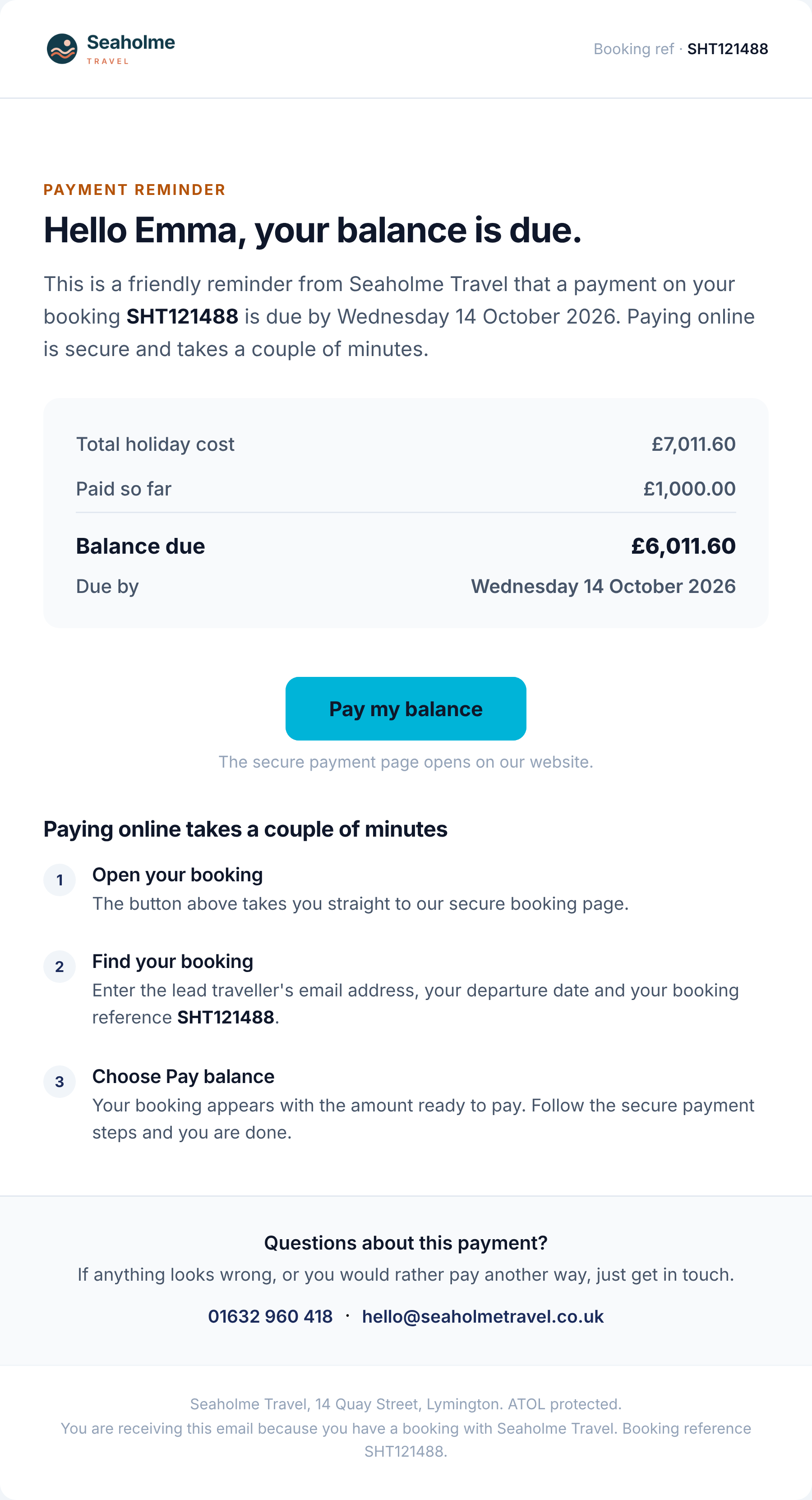
See quotes and follow-upSend the booking detail, keep documents together and let balance reminders do the routine chasing.
Explore the remindersMake every confirmation feel like your agency, with your colours, your words and a layout you choose.
Find your styleChoose a starting style, then make it yours. Move the blocks, add your own words and give the confirmation the same care as the holiday.
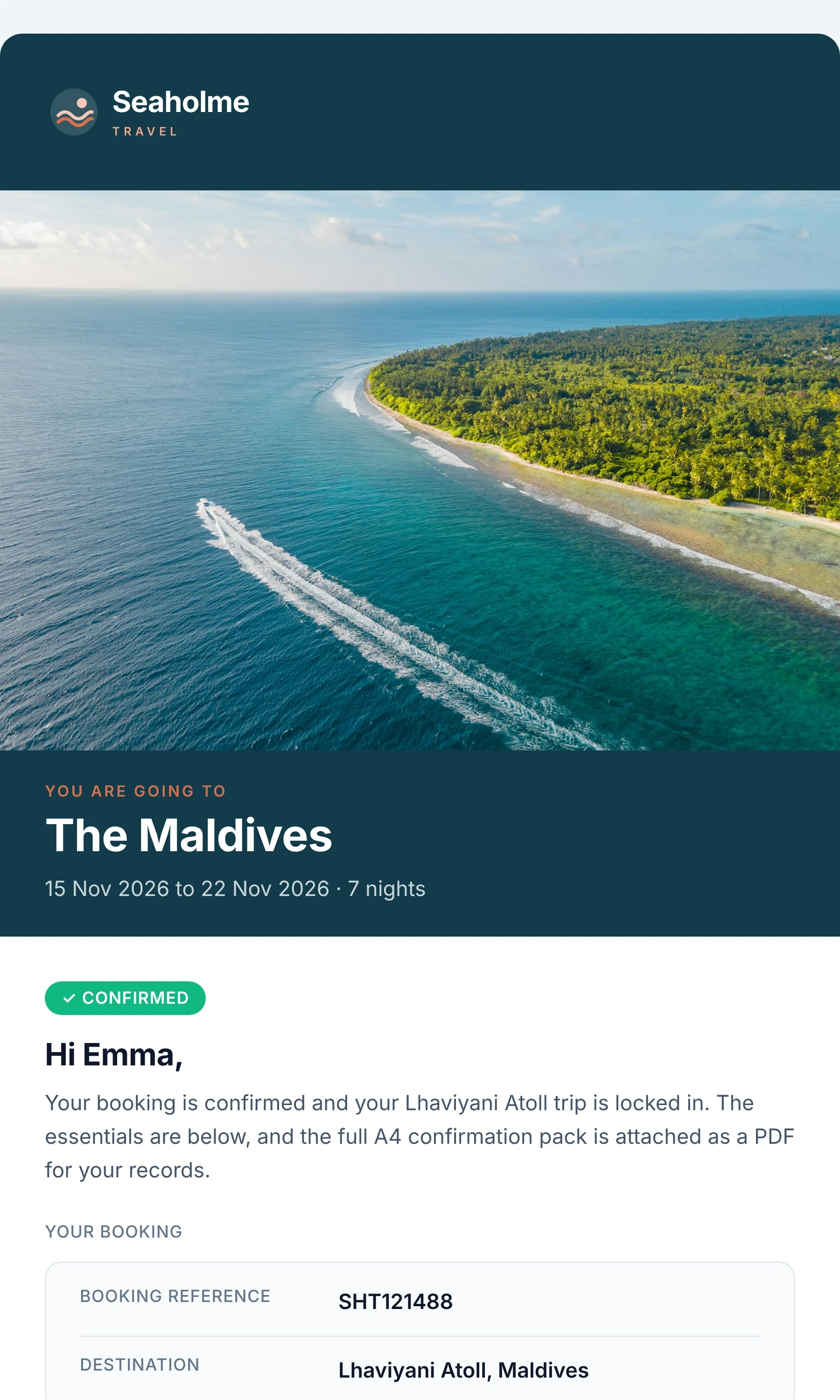
A destination image leads the way, followed by the booking detail. A warm first moment after your customer has booked.
A full A4 booking pack accompanies the confirmation, plus an ATOL certificate when the booking qualifies.
Vouchers and tickets added in Travelify are attached where size allows and linked from the message.
Flights, accommodation, packages, transfers, car hire, tickets and extras each have a place.

These are real template previews using example details. Booking references, names and prices shown are illustrative.
Switch on destination blocks and use our researched content to add practical facts and ideas. If content isn't available for a destination, that block stays out.
Monthly average weather, flight time, time zone, plugs, currency and language.

Weather is shown as a monthly average. Add your own headings, pictures, buttons and wording around the destination blocks.
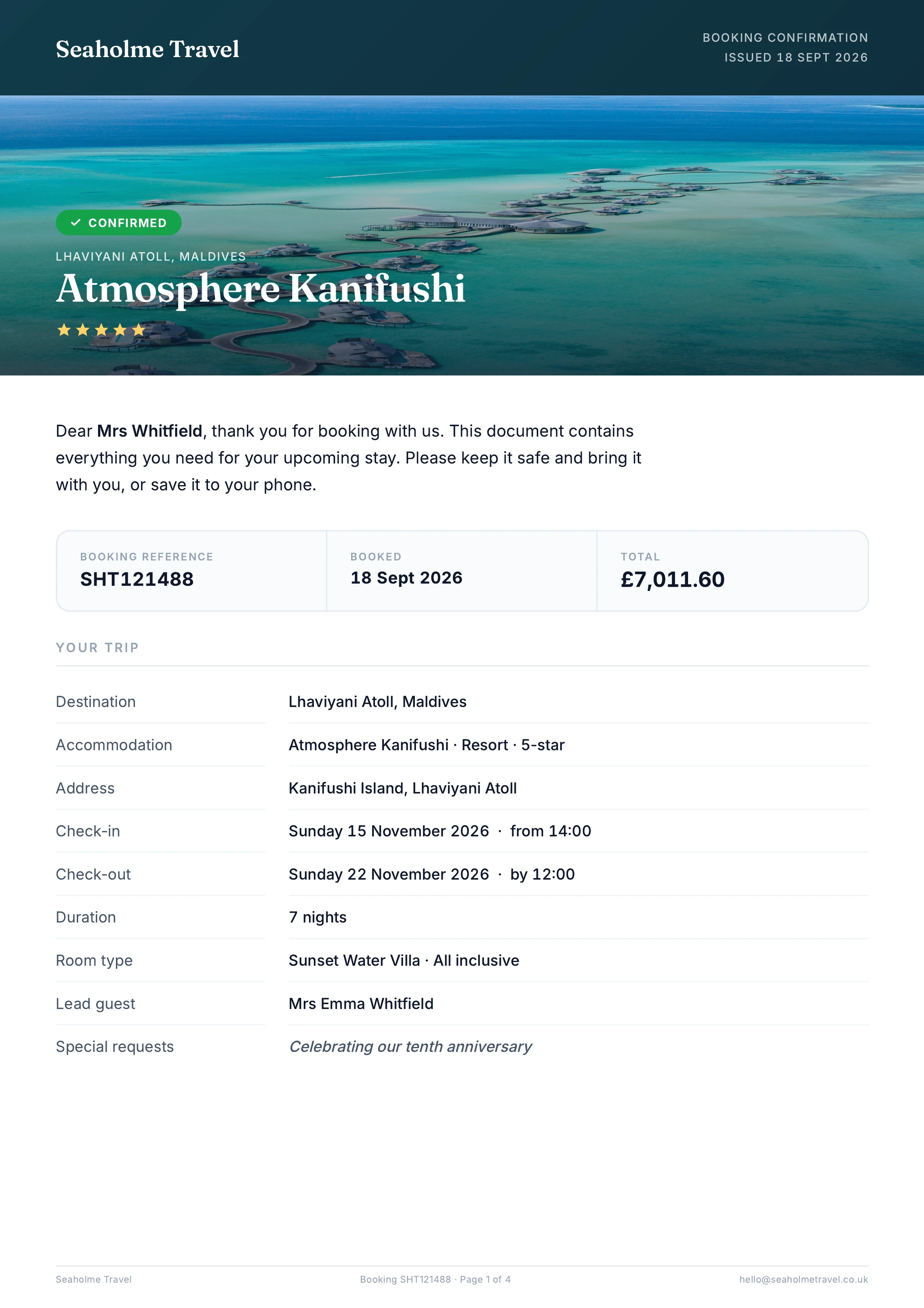
The confirmation gives the good news. The A4 pack puts the travel detail in one place, with your agency's name, colours and contact information.
Flight numbers and baggage, hotel addresses and check-in times, transfers and meeting points where supplied.
The pack, email and booking page use the same calculation for the balance, including vouchers.
Generated from the ATOL details on the booking. We'll check your product rules and configuration during setup.
The agency, booking reference, accommodation, dates and selling price together on the first page.
Quick Quote brings the holiday together in a branded proposal. Customers can download a PDF from their quote page and receive it with your email.
Bring the hotel, travel products, selling price and destination information into one proposal.
Cost, net and member prices are removed before the PDF is made. Uploaded terms are included with the quote.
Set up your domain to send from your own address. Replies still come to you while setup is completed.
Quick Quote is included with Ignite. Compare the plans.
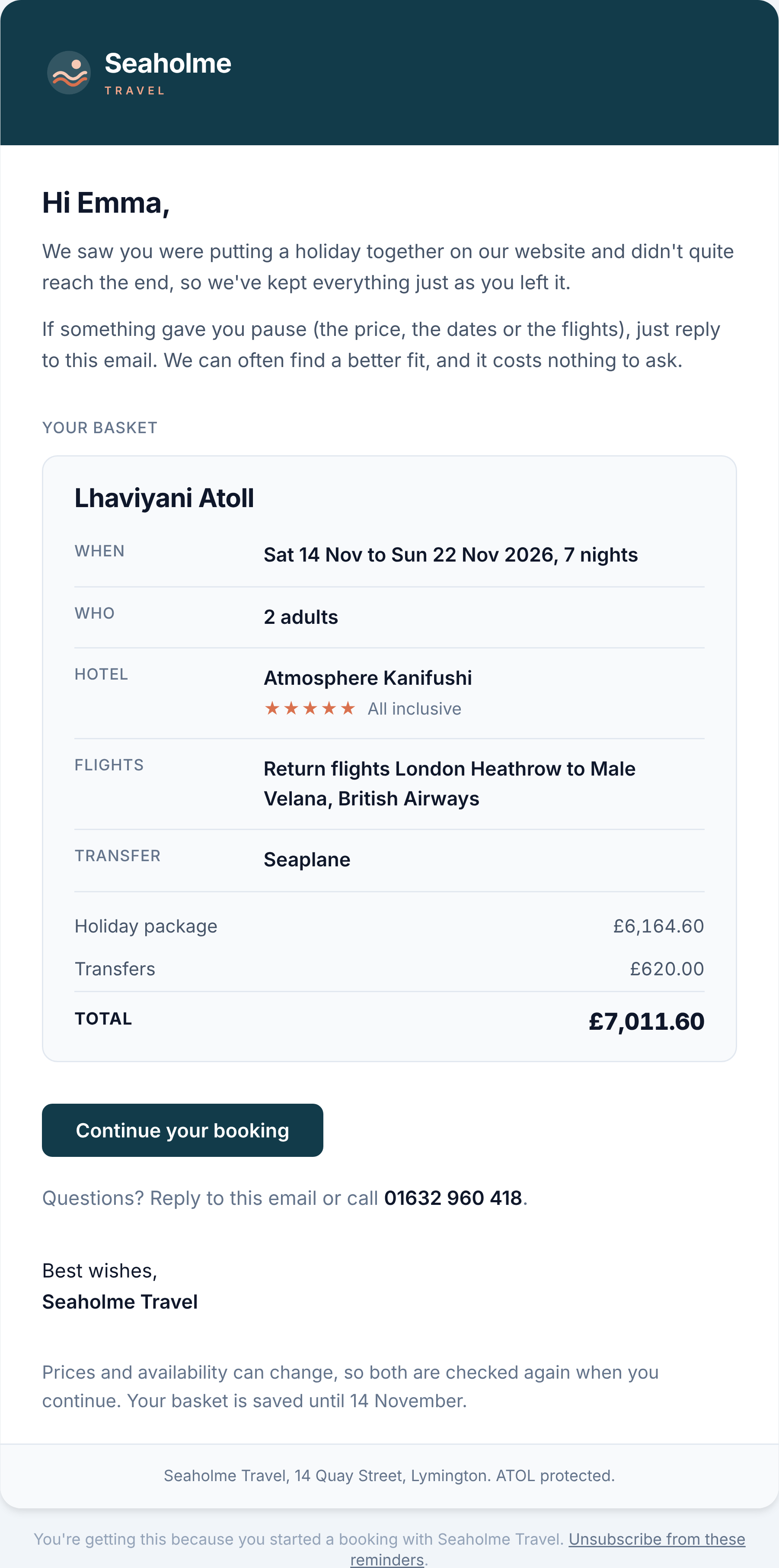
A customer leaves a trip in the basket. One reminder, in your name, gives them a route back to the same search at current prices.
Send after one hour, or set a delay from 30 minutes to a day.
If the customer has booked in the meantime, the reminder is not sent.
Reminder copies, summaries and the basket list help your team see who to follow up.
Choose Inspire, Postcard, Personal note or Simple. Emails support English, French, German, Spanish, Italian, Romanian and Swedish, with the basket's currency. Destination weather uses monthly averages.
Basket reminders are included across our website plans.
Your name in the inbox. Your colours through the documents. Replies to the inbox you choose. The experience should feel like your agency at every step.
Three sample agency brands. Select one to compare the treatment.
Seaholme · Deep sea & terracotta
Easy to find, wherever they are.
The customer's booking page keeps the confirmation, booking pack, qualifying certificate and supplier documents together. They can open, download or email documents to themselves and up to three other travellers.
It's also where customers check and pay their balance and, where supported by the airline, add passport details.
Ignite includes the Luna Travel App, with their trip and documents under your brand.
Explore the Luna Travel AppWe'll help you configure the documents around your agency and check a test booking before you make the change.
Choose the starting style, colours, logo, wording and reply address.
Review products, references, dates, payments and qualifying certificates on a test booking.
Turn the new confirmations on as the old ones go off. Give customers one clear message.
Read the setup notes, feature explanations and plan information in Manifest, issue 01.
Bring your current confirmations and the way you work. We'll show you how the documents fit your business.
Speak to the teamCore booking confirmations, booking packs, qualifying ATOL certificates, balance reminders, cancellation emails and basket reminders are included across our website plans. Connected features have their own plan requirements: enquiry forms start with Boost, while Quick Quote, appointment tools and the Luna Travel App are included with Ignite.
Compare the plansWe help you set up the connection and put a test booking through first. The new confirmation is switched on as the previous Travelify confirmation is switched off, so customers receive one clear message.
Talk through the switchYes. Start with Standard, Postcard, Magazine or Itinerary, then move the blocks and add your own text, headings, images and buttons. Merge tags bring in names, references, dates and balances. You can also change the wording of reminder and cancellation emails.
See the brand examplesOur researched library of countries, cities and resorts supplies the destination blocks. Content is matched to the trip, including monthly average weather and relevant events where available. If we don't hold content for a destination, the block stays out.
Explore the content blocksFor qualifying bookings, the certificate is generated using the ATOL details recorded on the booking and your configured product rules. It is attached to the confirmation and available on the customer's booking page. We'll check the configuration with you during setup.
Discuss your document setupYes. Their booking page keeps the confirmation, pack, certificate where applicable and supplier documents together. Customers can open, download or email their documents, check the balance and pay. Ignite also includes the branded Luna Travel App.
Explore the Luna Travel AppSee the documents in your brand.
We'll walk you through the styles and the setup.